Showing posts with label android. Show all posts

Friday, August 10, 2012

Nexus 7 (Refunded)

I just got my Nexus 7 last week. It is one great looking device, plus it is much lighter compare to 10" tablets. Android Jellybean offers big improvement over Honeycomb. I owned 10" Galaxy Tab, I almost never used it for anything, since it is really bad. The browser is bad, and the tablet can become very slow over time.

Nexus 7 comes to the rescue. However, I got some issue with the LCD. It seems that ASUS has pretty bad QA. The LCD is not properly attached to the body. It is lifted by tiny bit, and I can feel it by gently touching the glass. I have contacted Google. They have confirmed that these issues are common. It just convinced me even more that ASUS has really bad QA. I will try to avoid their products in the future. I have had one bad experience with their laptop about 10 years ago. I thought they have changed.

The replacement tablet is on its way, and I hope it doesn't posses similar problem to my current one.

UPDATED: The replacement Nexus 7 still had the screen separation issue, it's even worse than my original. I decided to refund the item, because the screen separation issue was such a deal breaker for me.
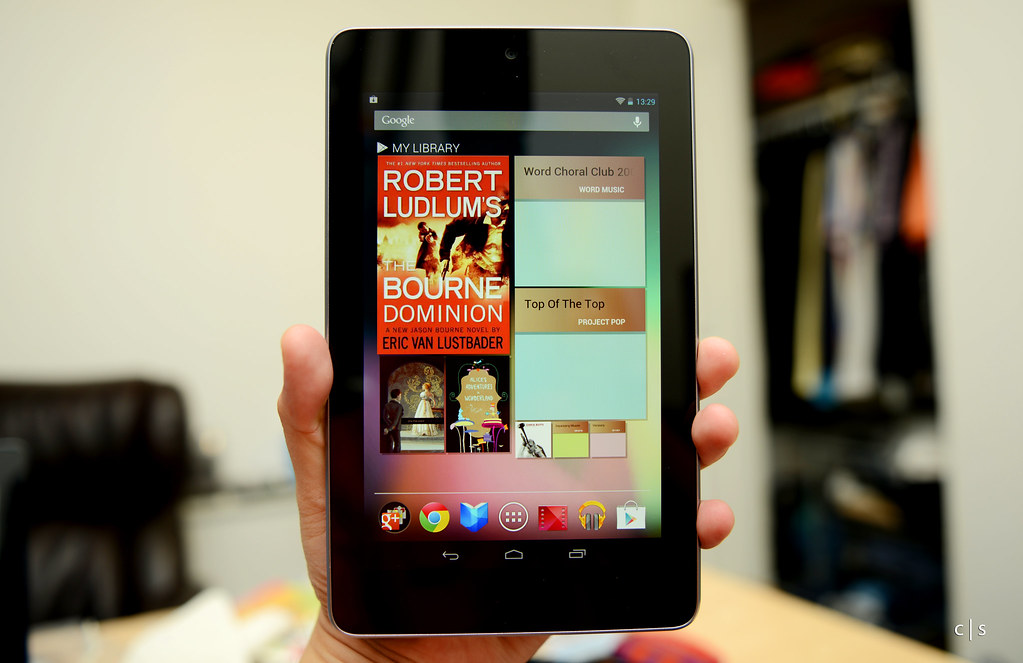
Nexus 7

Wednesday, May 26, 2010

ADB Driver for HTC Evo 4G

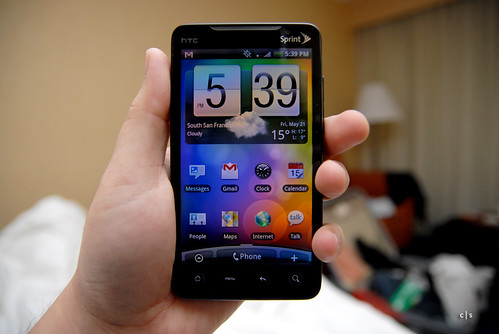
I just came back from Google IO 2010. It is awesome developer conference. Each attendee was given Nexus One , HTC Evo 4G, and of course Google TV Socks :) HTC Evo 4G is amazing device.

HTC Evo 4G

I got home, hooked the Evo to my PC and found that my Windows machine did not recognize it. I managed to find the solution in Android Developer Google Groups, you can read it here. We basically need to modify the entry in android_winusb.inf to add the VID and PID of HTC Evo. You can download the modified android_winusb.inf from here (right click on the link and select save as).

Tuesday, October 27, 2009

Android 2.0 aka Eclair is Here

Waow, Android 2.0 SDK is just released. It now supports RFCOMM Bluetooth, which is great for peer to peer communication. WIFI is great but it does not work when you want to establish communication with other devices in WIFI-less environment. I also could not depend too much on 3G, in some areas, it is very slow and sometimes it does not even exist.

Monday, October 5, 2009

Automating inDesign for Repeating Content and QR Code

Our church is going to hold Bible Camp this coming week. We are all getting busy preparing for this event. I am responsible for creating publication materials, such as event booklet, brochure, name tag, etc.

Creating name tag might sound easy, but how about creating name tags for 50 persons. It will be painful to do it manually, copy and paste the layout plus typing names fifty times. So, I did some reading on Adobe inDesign documentation and found out that it's possible to create placeholders for repeating content using XML. Here is the article that I used. I just need to design the name tag, generate XML data for all attendees using Perl script, import XML to inDesign, and inDesign will do the rest of the work.

Generated Output by inDesign

Notice above figure, there is small box on the right of each name. It is QR Code containing information for each person. I was thinking that since I am going to automate the name tag creation process, why not adding some extra information. I decided to add QR Code and our team decided to add color coded group information (i.e. person with the same color belong to the same group).

Bible Camp GII 2009 Name Tag

I wrote a PERL script for grabbing contact information of each Bible Camp 2009 attendees from our church database and use GD-Barcode module to generate the QR Code associated to each individual.

Most people nowadays have phone with built-in camera, and most of them can decode QR Code. So, I think this as a good way for letting people to exchange their information with each other easily during our Bible Camp event. That's it for now. Following QR Code contains our church contact information.


Decoded Message on Android

Tuesday, September 29, 2009

Alkitab for Android Phone

Holy Bible in Indonesian is called "Alkitab". I am currently using Android Developer Phone 1 as my main phone, and I cannot find any "Alkitab" app yet on the market. I knew that Alkitab app exists for iPhone and J2ME platforms. Hence, I decided to develop one myself. Please keep in mind that the content of "Alkitab" is copyrighted by Lembaga Alkitab Indonesia (LAI).


You can download the apk file from here. For instruction on how to install .apk file into your Android phone, please go to this link. I am using Apps Installer from Android Market to install apk file from sdcard.

After application installation is done, please go here to download the database. You need the database to run the application. After you obtained "alkitab_db.zip", perform following steps:
  1. Connect your phone to your PC using USB cable and mount the sdcard
  2. Extract "alkitab_db.zip" to root folder of your sdcard. After extraction is done, you should see folder "alkitab_db" at your sdcard root folder
  3. Unmount your sdcard by clicking "Turn Off USB Storage" on your phone
  4. Start the application.
I will explain features available in this initial version.

Text Filter (on Android device with physical keyboard)

Type in the text using keyboard and the list will be filtered accordingly.


Gesture Motion

When you are in chapter or verse screen, you can swipe you finger on the screen to move between books/chapters. Swipe to left will bring you to the next book/chapter, swipe to the right will bring you to the previous book/chapter.


Search for Chapters/Verses

Clicking menu button will allow user to select this feature. This feature is used to search for chapters or versions in the bible, following are accepted input patterns:
  • [book] [chapter], Mazmur 3
  • [book] [chapter]:[verse], Matius 3:15
  • [book] [chapter]:[start_verse]-[end_verse], Kisah Para Rasul 1:3-5
  • [book] [start_chapter]:[start_verse]-[end_chapter]:[end_verse], Yohanes 10:5-11:3
  • [book] [start_chapter]-[end_chapter], Lukas 5-10
  • [book] [start_chapter]-[end_chapter]:[end_verse], Roma 3-5:13


Search For Word

If the search input does not match any of Search for Chapters/Verses patterns, the input will be used as keyword to search for match words in the bible. Searching using keyword feature will require the phone to send request to remote server instead of searching through local database. Local database is flat file database and it will take long time to find the match keyword. If you do not want the phone to connect to Internet, do not use the search for word feature.


That's it and I hope the app can be useful for everyone. Email me closari[at]gmail if you encounter bugs or have suggestions for improvement.

Android 1.6 Image for Android Developer Phone

HTC finally released Android 1.6 image for Android Developer Phone, available here.

I have upgraded my phone and now it's running Donut.


I haven't check all the features yet. One thing I noticed is that the camera/camcorder app has new user interface and it's faster compare to previous versions.


I also noticed in Settings, Speech Synthesis is added as part of the Settings items. However, it lacks of Indonesian language. So far I have been using Eyes-Free for performing TTS on my application. Their packs include Indonesian as one of the available languages. I am not sure why Google did not include Indonesian in 1.6, since the TTS service in 1.6 is basically derived from Eyes-Free project.

That's it, I will start playing with new gesture recognition feature added in 1.6.

Saturday, September 19, 2009

Android Developer

I found this in goodies section at android.com. It's pretty cool. It's almost one year now since I started writing applications for Android.

Friday, December 19, 2008

Activating Android Developer Phone ADP1 with SimCard without Data Plan

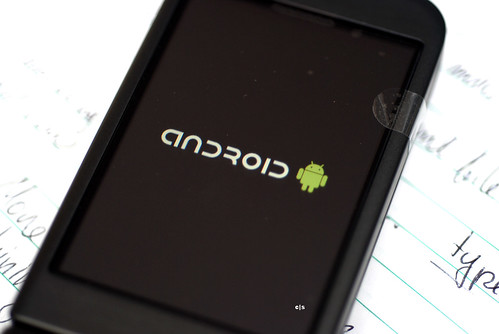
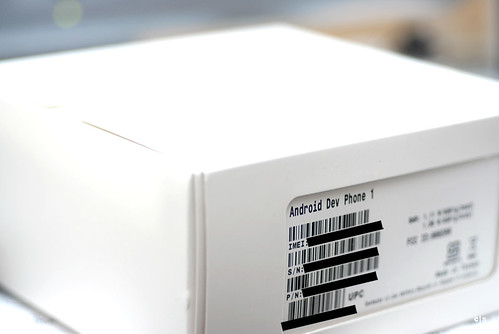
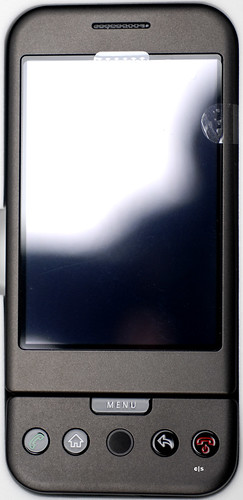
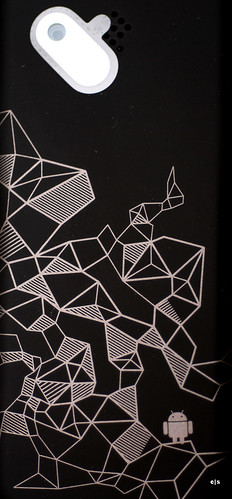
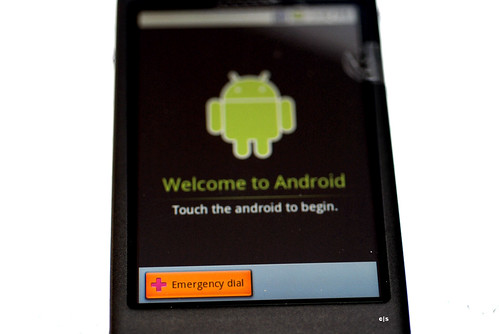
I have finally got my hand with Android Developer Phone, also known as HTC Dream. I though the phone is going to be extra thick and heavy, but no, it's not. It's a pretty well design phone. I can't hardly wait now to start writing code on Android for my home automation system.


First problem I encounter is how to activate the phone without having data plan with my provider. I have plenty of dummy simcard (simcard that without any phone or data plan). I found nice instruction on android developer google group site:
  • download the SDK, you basically need adb in order to send command to the phone.
  • run adb and type

am start -a android.intent.action.MAIN -n com.android.settings/.Settings
  • this will bring you to wifi setting on your phone, and from there, you can activate the wifi, and finally, register your phone using any simcard without data plan
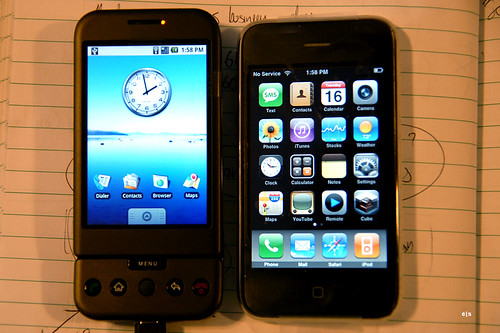
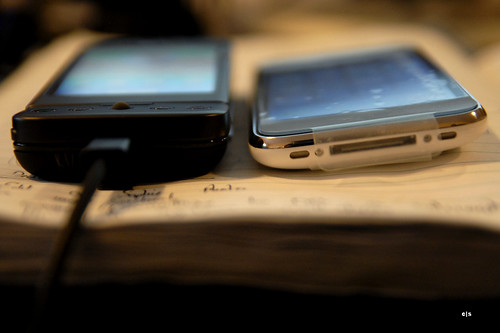
Following are some pics:


I tried to compare the size with iPhone 3G, the width and height is about the same. However, HTC Dream is thicker compare to iPhone.


That's it for now, need to go back to work.

update: while reading through some forums, it's actually possible to activate Android without using simcard at all. Just go here to get full instruction.