Monday, October 5, 2009

Automating inDesign for Repeating Content and QR Code

Our church is going to hold Bible Camp this coming week. We are all getting busy preparing for this event. I am responsible for creating publication materials, such as event booklet, brochure, name tag, etc.

Creating name tag might sound easy, but how about creating name tags for 50 persons. It will be painful to do it manually, copy and paste the layout plus typing names fifty times. So, I did some reading on Adobe inDesign documentation and found out that it's possible to create placeholders for repeating content using XML. Here is the article that I used. I just need to design the name tag, generate XML data for all attendees using Perl script, import XML to inDesign, and inDesign will do the rest of the work.

Generated Output by inDesign

Notice above figure, there is small box on the right of each name. It is QR Code containing information for each person. I was thinking that since I am going to automate the name tag creation process, why not adding some extra information. I decided to add QR Code and our team decided to add color coded group information (i.e. person with the same color belong to the same group).

Bible Camp GII 2009 Name Tag

I wrote a PERL script for grabbing contact information of each Bible Camp 2009 attendees from our church database and use GD-Barcode module to generate the QR Code associated to each individual.

Most people nowadays have phone with built-in camera, and most of them can decode QR Code. So, I think this as a good way for letting people to exchange their information with each other easily during our Bible Camp event. That's it for now. Following QR Code contains our church contact information.


Decoded Message on Android

Tuesday, September 29, 2009

Alkitab for Android Phone

Holy Bible in Indonesian is called "Alkitab". I am currently using Android Developer Phone 1 as my main phone, and I cannot find any "Alkitab" app yet on the market. I knew that Alkitab app exists for iPhone and J2ME platforms. Hence, I decided to develop one myself. Please keep in mind that the content of "Alkitab" is copyrighted by Lembaga Alkitab Indonesia (LAI).


You can download the apk file from here. For instruction on how to install .apk file into your Android phone, please go to this link. I am using Apps Installer from Android Market to install apk file from sdcard.

After application installation is done, please go here to download the database. You need the database to run the application. After you obtained "alkitab_db.zip", perform following steps:
  1. Connect your phone to your PC using USB cable and mount the sdcard
  2. Extract "alkitab_db.zip" to root folder of your sdcard. After extraction is done, you should see folder "alkitab_db" at your sdcard root folder
  3. Unmount your sdcard by clicking "Turn Off USB Storage" on your phone
  4. Start the application.
I will explain features available in this initial version.

Text Filter (on Android device with physical keyboard)
Type in the text using keyboard and the list will be filtered accordingly.


Gesture Motion

When you are in chapter or verse screen, you can swipe you finger on the screen to move between books/chapters. Swipe to left will bring you to the next book/chapter, swipe to the right will bring you to the previous book/chapter.


Search for Chapters/Verses

Clicking menu button will allow user to select this feature. This feature is used to search for chapters or versions in the bible, following are accepted input patterns:
  • [book] [chapter], Mazmur 3
  • [book] [chapter]:[verse], Matius 3:15
  • [book] [chapter]:[start_verse]-[end_verse], Kisah Para Rasul 1:3-5
  • [book] [start_chapter]:[start_verse]-[end_chapter]:[end_verse], Yohanes 10:5-11:3
  • [book] [start_chapter]-[end_chapter], Lukas 5-10
  • [book] [start_chapter]-[end_chapter]:[end_verse], Roma 3-5:13


Search For Word

If the search input does not match any of Search for Chapters/Verses patterns, the input will be used as keyword to search for match words in the bible. Searching using keyword feature will require the phone to send request to remote server instead of searching through local database. Local database is flat file database and it will take long time to find the match keyword. If you do not want the phone to connect to Internet, do not use the search for word feature.


That's it and I hope the app can be useful for everyone. Email me closari[at]gmail if you encounter bugs or have suggestions for improvement.

Android 1.6 Image for Android Developer Phone
HTC finally released Android 1.6 image for Android Developer Phone, available here.
I have upgraded my phone and now it's running Donut.


I haven't check all the features yet. One thing I noticed is that the camera/camcorder app has new user interface and it's faster compare to previous versions.


I also noticed in Settings, Speech Synthesis is added as part of the Settings items. However, it lacks of Indonesian language. So far I have been using Eyes-Free for performing TTS on my application. Their packs include Indonesian as one of the available languages. I am not sure why Google did not include Indonesian in 1.6, since the TTS service in 1.6 is basically derived from Eyes-Free project.

That's it, I will start playing with new gesture recognition feature added in 1.6.

Saturday, September 19, 2009

Android Developer

I found this in goodies section at android.com. It's pretty cool. It's almost one year now since I started writing applications for Android.

Tuesday, July 14, 2009

Limbung

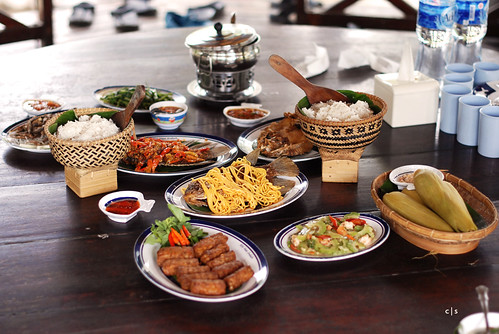
Last Sunday, we planned to go for day trip to Tanjung Bira, Bulukumba. However, for some reasons, we need to cancel the plan. Hence, we decided to go to Limbung for lunch. There are a lot of fish pools surrounding the resturant, which make it pretty unique. People can fish while waiting for their order.

Our orders

Tempe Bacem

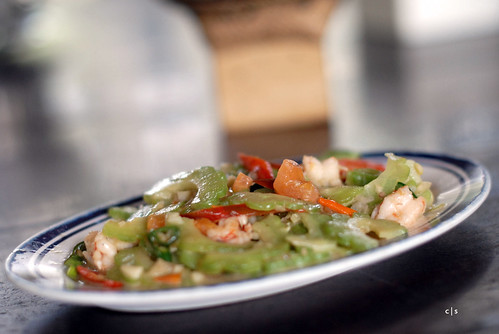
Tumis Pariah

Gurami Rica-Rica

Gurami covered by Mangoes

Deep Fried Small Fish (crunchy and taste good)

After eating, we relaxed, slept, then took pictures before heading home.


Saturday, July 11, 2009

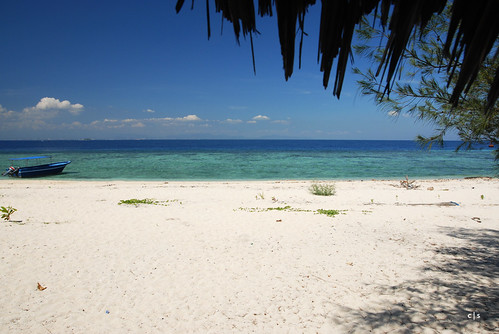
Kodingareng Keke

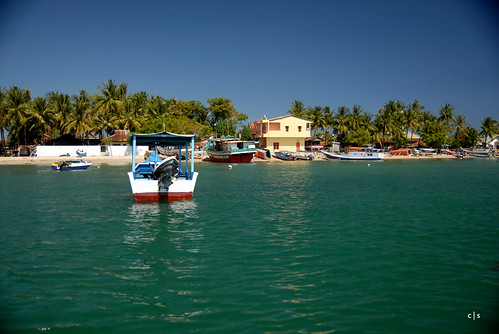
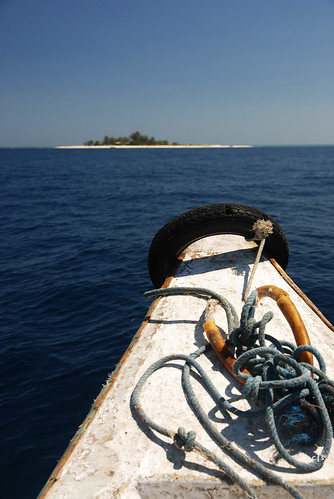
On the recent presidential election day, Indonesian government decided make the day to be a public holiday. So, we got nothing to do at home and decided to take a short trip to Kodingareng Keke Island, it's only about 14km from Makassar. We then head down to sea port close to Gapura Hotel. We rent a boat for Rp. 550.000, and it could carry 10 persons.

Seaport

The boat

Leaving the seaport, going to Lae-Lae Island
to purchase gas for the boat enginee


Following is our trip route plotted on Google Earth. I wrote simple application to do location logging on my Android G1. For some reasons, the island is not shown in the satellite photo.

Kodingareng Trip Route

Our stop at Lae-Lae is almost not viawable on the map. Lae-Lae is small island close to Makassar, it's only about 1.5km from Makassar. There are some people permanently live on the island.

Lae-Lae

Samalona Island (~ 7km from Makassar)

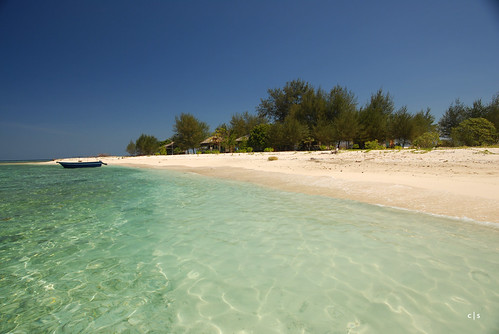
We almost arrived at Kodingareng Keke

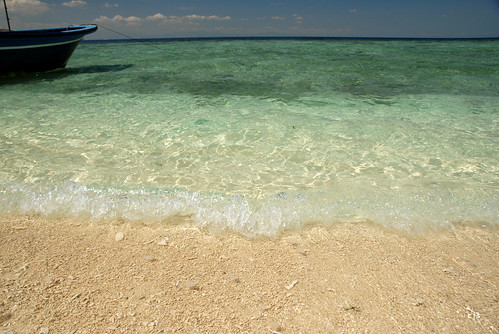
Water is crystal clear with a lot of coral reef,
perfect for snorkeling or diving but probably not for swimming


Waves were getting bigger and it's time to go home

We need to go around the island in order to travel back to Makassar due to the big waves

Last picture I took before being hit by big waves (~ 1.5m),
my camera was wet, luckily it's weatherproof :)


We arrived safely at Makassar, our trip back from Kodingareng was surely interesting, going through 1.5m tall waves.

Tuesday, July 7, 2009

Losari Beach

After going back from work, it's always nice to know that Losari beach is just couple minutes away from home, place to go to refresh my mind.

Lot of couples go there to enjoy sunset, wish my wife is here with me

Losari Beach